



Fiber Internet for First-Time Homeowners: What to Know Before You Move In
Date: 10/13/2026 5:44:00 AM
Buying your first home is exciting, but it can also come with a long to-do list. Setting up utilities and internet, moving things in, changing addresses on documents, and more. When it comes to fiber internet, there are a few things you need to remember and understand to prepare for move-in day. Truvista Fiber will cover what fiber internet really is, why it matters, and how to plan as a new homeowner with fiber internet
What Is Fiber Internet?
Fiber internet differs from regular wireless internet, or WiFi, but many homeowners don’t understand what makes it different. Fiber optic cables carry data as light, creating the internet connection. This provides much more reliable, faster speeds than cable or DSL options. Homeowners who choose this internet option often see faster upload and download speeds, lower latency, and more consistent performance throughout the day, even during peak hours.
Why Does Fiber Optic Internet Matter?
Today, an internet connection is essential to daily life, whether you’re streaming your favorite shows or doing schoolwork. Households use the internet in many ways, and a strong connection can support all these needs at once. Remote work, gaming, streaming, smart home devices, consoles, and supporting multiple users at once are all reasons a fast, reliable internet connection is crucial.
Your Fiber Optic Internet Checklist
If you are a new homeowner choosing fiber optic internet, there are a few things you'll want to do to prepare.
Check Fiber Availability at Your Address
First, make sure fiber optic internet is available at your home’s address. You can do this by entering your address on a fiber optic internet provider's website, like Truvista Fiber, and seeing whether you’re in a supported area. Ideally, do this before you sign any lease or close on a home. Fiber availability can vary block by block, so it's important to check whether it is available at your specific address. If it isn’t an option yet, you can join a waitlist, or some companies offer pre-registration options.
Understand the Different Types of Internet Options
Internet service comes in many forms, including DSL, fiber optic, cable, and satellite. Ultimately, for most areas and homeowners, fiber optic internet provides the strongest connection and reliability. Long-term, it can provide stability and support modern technology use.
Plan for Installation Before Move In
Schedule the installation before you move in, so you have internet access on move-in day. Call your provider to determine how far out you should schedule installation, how long it takes, how far in advance the company needs notice, and how to avoid peak-demand times. To prepare for the installation itself, you’ll want to know where the internet access point is in your home, and you may need to give them access to the attic or crawl space in some citations. Talk with your provider to understand what to expect during the installation process, how you can prepare, and what you can do to help.
Budget for Setup
Getting your fiber optic internet installed usually comes with fees like installation fees and equipment costs. Your provider should be able to give you an estimate, or an exact cost, of what you’ll need to pay on setup day. Understanding these costs and fees can help you prepare for the installation and work them into your new home setup budget.
Choose the Right Speed for Your Household
When choosing your plan and speed, consider everyone's internet usage in your home. Choose a plan with the speed that best matches your internet usage. Things like what you do, such as gaming, streaming, or remote work, as well as how many devices are in the home, will contribute to what speed you should choose. Avoid underestimating your future needs and overpaying for speed you don’t need.
Setting Up Your Internet
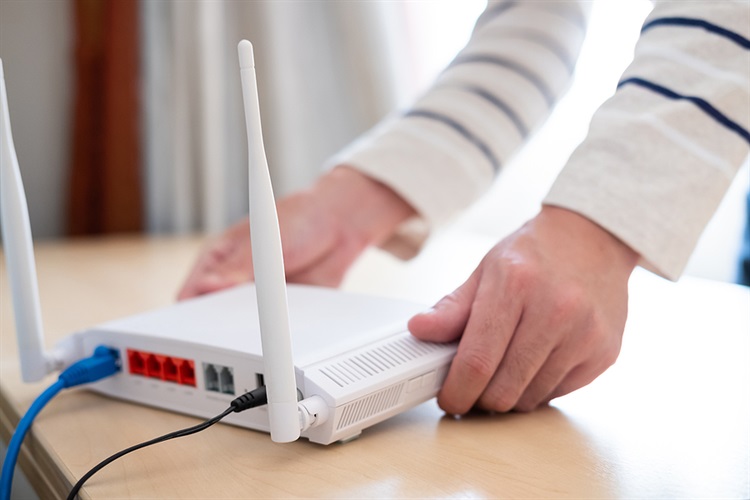
Setting everything up after your internet is installed is a simple but necessary process. Choose your router placement carefully and keep it close to the rooms where devices are used most. Also, setting up a secure network is essential, so set passwords, configure guest networks, and keep your firmware updated.
Common Mistakes to Avoid
When installing fiber optic internet in your new home, we’ve seen a few common mistakes. Avoid making these mistakes when setting up your fiber optic internet in your home:
- Waiting until the last minute to schedule installation
- Not checking for availability before signing
- Signing up for more or less speed than you need
- Overlooking contract terms and equipment fees
- Assuming the current wiring is sufficient
- Not reading through all the speed and plan options before deciding
Setting Up Fiber Internet for New Homeowners
If you are a homeowner looking to set up fiber internet in your home, then this guide can help you understand what you need to know before you move in. Many homeowners may not fully understand fiber internet or what it takes to set it up, so understanding this can help you get the most out of your internet. Follow this checklist before you move in, so you don’t miss anything and your setup is seamless. If you’re looking for a trusted, reliable fiber optic internet provider in your area, contact Truvista Fiber today, and we’ll set up a consultation to see if it's available where you are.

 Shop Now
 Pay Bill
 Contact Us: 800-768-1212